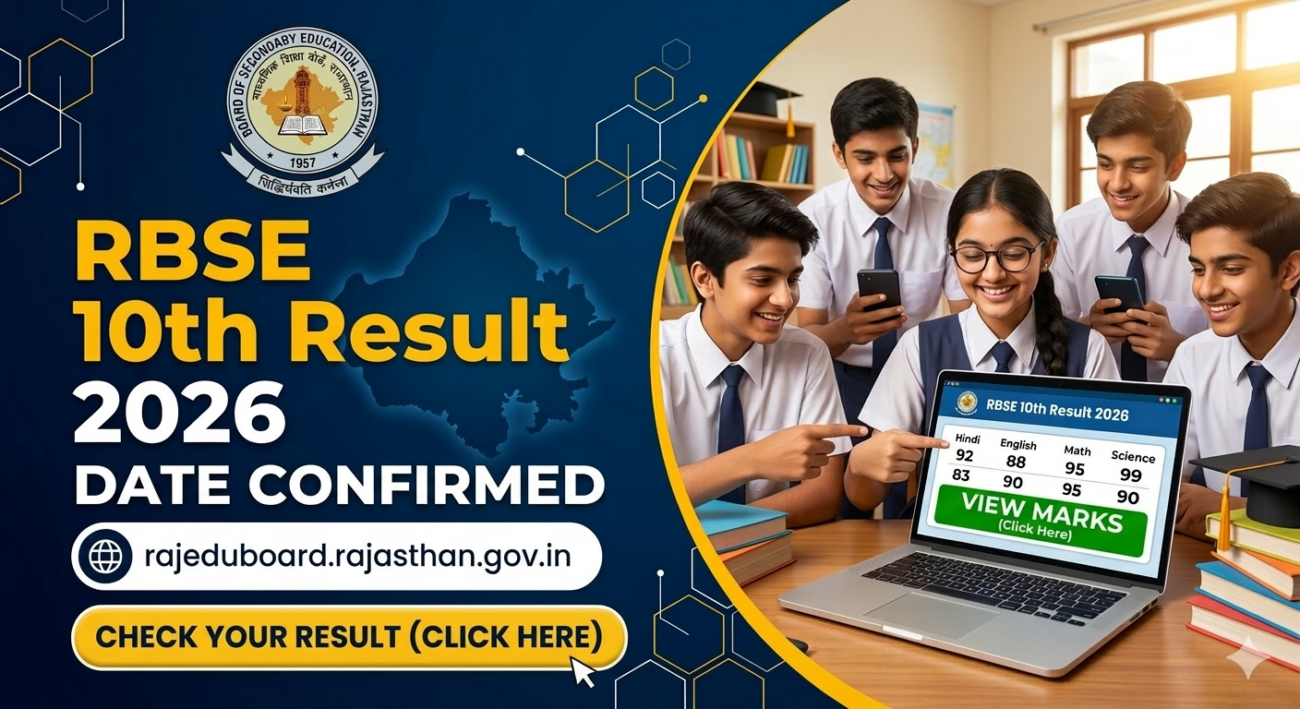
The Rajasthan Board of Secondary Education is preparing to announce the Class 10 examination scores. Once the official announcement is made, students can easily access their RBSE 10th result on DigiLocker. This government-backed digital platform ensures that your marksheet is safely stored and instantly available without heavy website traffic issues.
Understanding the Rajasthan Board Result Process
Millions of students across Rajasthan appear for the Class 10 board examinations every year. The anticipation surrounding the results is always high. Traditionally, students relied solely on the official board websites to check their scores. However, high traffic often caused server crashes, leading to unnecessary panic.
To solve this issue, the government introduced alternative digital solutions. Today, accessing your RBSE 10th result on DigiLocker is one of the most reliable and efficient methods available. It eliminates the frustration of refreshing unresponsive web pages and gives you immediate access to your digital scorecard.
What is DigiLocker?
DigiLocker is a flagship initiative under the Digital India program by the Government of India. It acts as a secure cloud-based platform for the storage, sharing, and verification of documents. Citizens can safely store important certificates like Aadhaar cards, driving licenses, and academic marksheets.

For students, this platform has become an essential tool. It ensures that educational documents are never lost or physically damaged. When the Rajasthan Board releases the results, the digital marksheets are pushed directly to this secure ecosystem.
Also Read: PM Fasal Bima Yojana: राजस्थान में बारिश से खराब हुई फसल का क्लेम कैसे लें?
Step-by-Step Guide to Find RBSE 10th Result on DigiLocker
Checking your scores digitally is a straightforward process. Students and parents must ensure they have their login credentials ready before the result time. Follow these exact steps to view and download the marksheet:
- Step 1: Visit the official portal by typing digilocker.gov.in in your web browser, or download the official mobile application from the Google Play Store or Apple App Store.
- Step 2: Log in to your account using your registered mobile number or your Aadhaar number. If you are a new user, you will need to create an account using Aadhaar verification.
- Step 3: Once logged into the dashboard, navigate to the search bar and type “Board of Secondary Education Rajasthan” or simply search for “RBSE”.
- Step 4: From the drop-down menu, click on the specific option labeled “RBSE Class 10th Marksheet”.
- Step 5: The system will prompt you to enter specific credentials. Input your board exam roll number and the year of passing.
- Step 6: Click on the ‘Get Document’ button. Your digital marksheet will instantly appear on the screen.
- Step 7: Save the document to your secure cloud storage and download a PDF copy to your device for immediate future use.
Why You Might Not See Your Marksheet Immediately?
Sometimes, students complete the login process but cannot find the result link right away. If you cannot access your RBSE 10th result on DigiLocker immediately after the press conference, there is absolutely no need to panic.
During the initial hours of the result declaration, the board uploads data for lakhs of students simultaneously. This massive data migration happens gradually. Therefore, the marksheets are populated in batches. If the document is not visible, simply wait for a few hours and log in again. You can also try searching manually using the platform’s search box.
Details Mentioned on Your Digital Scorecard
The marksheet you download from this platform is comprehensive and mirrors the physical copy. Students must carefully review all the printed information. The digital document will include several critical details.
First, it will display the student’s full name, date of birth, and parents’ names. Second, it highlights the official roll number, school code, and enrollment details. Most importantly, the marksheet breaks down your academic performance. It clearly shows subject-wise marks obtained, total marks, practical scores, the minimum passing criteria, and your final division or grade.
Verifying Your Information
Errors in digital marksheets are rare, but they can happen. If you spot any spelling mistakes in your name or discrepancies in your marks, you must act quickly. Contact your respective school administration immediately. They will guide you through the official process of getting the board records corrected.
The Importance and Validity of Digital Documents
A common question among students is whether a downloaded marksheet is valid for official purposes. According to the Information Technology Act of 2000, documents issued directly to a user’s DigiLocker account hold the exact same legal validity as their physical counterparts.

This means you can confidently use this digital marksheet for Class 11 school admissions, scholarship applications, and identity verification. Educational institutions across India legally accept these digital documents, provided they are verified through the platform’s official QR code system.
Next Steps After Downloading Your Scores
Once you have successfully downloaded your marksheet, take a moment to plan your next academic steps. If you have passed with your desired scores, you can begin the admission process for higher secondary education. Choose your streams—Arts, Commerce, or Science—based on your aptitude and career goals.
On the other hand, if your scores are lower than expected, do not lose hope. The Rajasthan Board provides options for scrutiny and re-evaluation. Additionally, students who fail to clear one or two subjects can apply for the supplementary exams held later in the year. Keep an eye on the official board website [rajeduboard.rajasthan.gov.in] for upcoming notifications regarding re-checking and supplementary schedules.
Also Read: RBSE Class 10th Result 2026 Out Today: Check Scores Here
To learn more, follow Shabdsanchi’s social media pages today and stay updated.
- Facebook: shabdsanchi
- Instagram: shabdsanchiofficial
- YouTube: @shabd_sanchi
- Twitter: shabdsanchi